
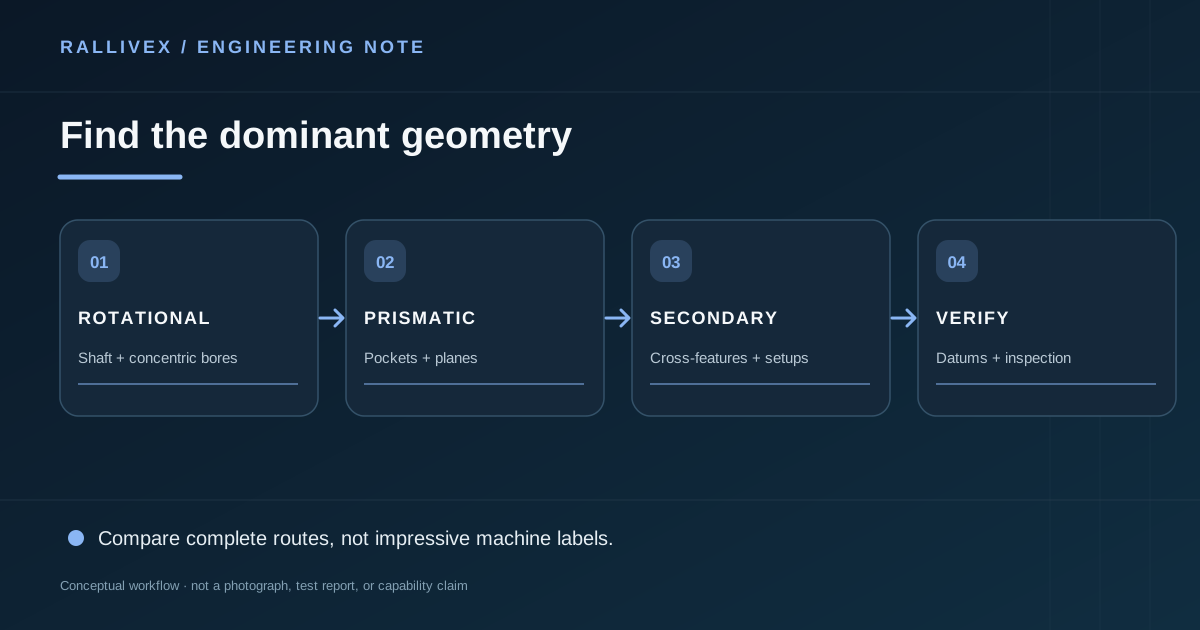
The first clue is the part's dominant geometry. Turning rotates the workpiece against a cutting tool and is naturally suited to concentric diameters, faces, bores and many shaft-like forms. Milling moves a rotating cutter relative to a fixed or repositioned workpiece and suits prismatic faces, pockets, slots and non-axisymmetric features. Many real parts use both.
Examine the features that set function
A shaft with a cross-hole is primarily turned but needs a secondary operation. A rectangular housing with a cylindrical bore is primarily milled but may require boring for a critical bore. The route depends on which features must be coaxial or square to one another, how the part can be held and whether multiple setups introduce unacceptable variation. Do not infer the best route from a product name alone.
Compare complete operations, not machine labels
A part quoted as “5-axis” is not automatically better than one made in a simple fixture on a 3-axis machine. Likewise, a turn-mill machine can consolidate setups when cross-features justify it, but capability and cost depend on the actual equipment and program. Ask the supplier to identify the likely manufacturing sequence, finishing steps and inspection of the critical interfaces. If the design permits a change that removes a secondary setup, that may matter more than the headline process.
Emerging practice: simulate routes before committing
Digital process planning can compare workholding, tool access and setup order before the first chip is cut. A useful comparison should include total setups, datum transfer, tooling reach, inspection access and material waste—not just programmed cutting time. Machine simulation can expose collision risk, but actual feasibility still depends on the available machine, fixture and operator review. Ask a supplier to explain the decision in part-specific terms rather than treating “multi-axis” as an automatic upgrade.
Send enough data for a route decision
Provide a model, drawing, material, quantity and the features that control assembly. Mark surfaces that may be modified to simplify workholding. The supplier can then compare process alternatives and make a written recommendation. Next step: use CNC milling or CNC turning for service context, then submit a project RFQ for the mixed-feature decision.